Printers and ink reviews
Our printers and ink reviews are based on our own independent tests. We test harder in the lab so you can choose the right printers and ink when you shop.
Filters
Member exclusive recommendations based on our independent lab test results.
Why join Which? Our members get the full picture, with all the Best Buy and Don't Buy products.
Get Digital access £9.99 per month, cancel at any time.
Show only products that score at least 4 out of 5 in our tests for:
A3 printing
Automatic document feeder
Automatic double-sided printing
Individual colour cartridges
- to
- Info
- Info
1 to 20 of 137 printers and ink reviews
Sort by:1 to 20 of 137 printers and ink reviews








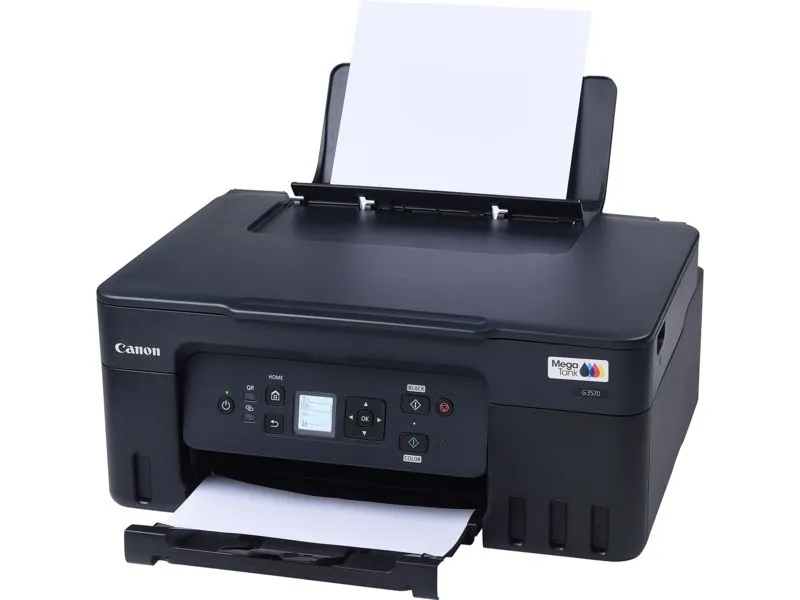
Explore our expert printer reviews with our easy-to-use filters, which let you tailor the product reviews to your specific needs. Our Best Buy printers turn out high-quality prints while not costing you a fortune on ink or toner. Compare printer reviews, including pros and cons, tech specs and lowest available prices.
Which? is 100% editorially independent and works entirely on behalf of consumers. We’re a not-for-profit organisation and don't accept freebie printers or ink from manufacturers. We have a team of shoppers who buy the products we test from the shop just like you do, which means we aren't beholden to brands or PR representatives and ensures our independent reviews provide the ultimate authority on the best and worst printers available.
We run the most thorough printer and ink tests of all publishers in the UK. In lab conditions, we use multiple testers to assess printers on all the most important factors such as printing quality, speed and cost. This means there's no room for unconscious bias or bending to manufacturers’ demands when we award our overall rating. You can trust our results - find out more about how we test printers.