Scamwatch: 'Has my Apple Pay been suspended?'

Faye was Headline Money Consumer Money Journalist of 2023 and a Wincott Award finalist in 2025. She's been investigating scams for nearly a decade.

I’ve received a text message saying Apple Pay has been temporarily suspended and that I will need to re-register my payment details to get it working again.
The text tells me to click a link to update my card details. How can I tell if this request is genuine?
Name disclosed
Seen or been affected by a scam? Help us protect others
Sharing details of the scam helps us to protect others as well as inform our scams content, research and policy work. We will collect information relating to your experience of a scam, but we won't be able to identify your responses unless you choose to provide your contact details.
Share scam detailsFaye Lipson, Which? senior researcher, says:
A wave of these texts have been reported to Which? in recent months through our Scam Action and Alerts Facebook group and our Scam Sharer Tool.
Apple Pay, along with Google Wallet and Samsung Pay, offer a way to upload your card details to a digital wallet on your mobile phone or tablet. The device can then be used to tap your phone on a card reader to pay in shops. When shopping on your phone, some websites and apps will also allow you to pay using these wallets, without manually entering your card details.
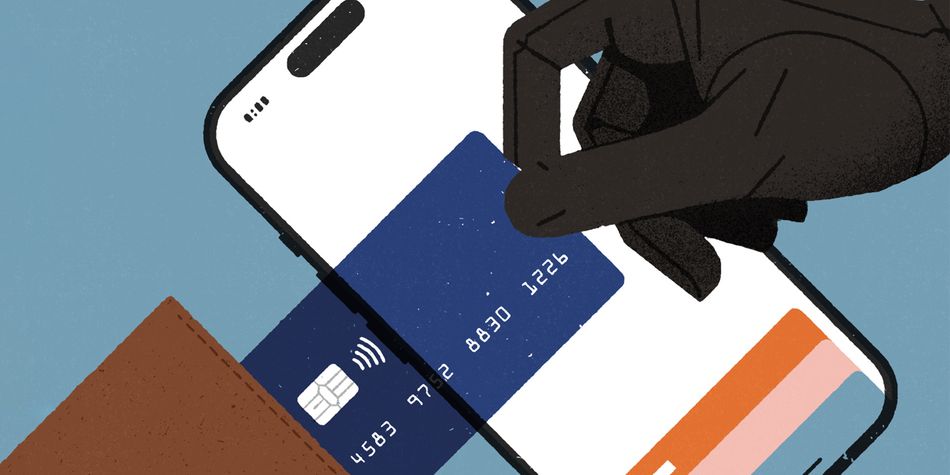
The problem comes when fraudsters steal your card details and then use them to set up wallets on phones and devices they control. And gaining these details is exactly their aim when they send out these scam texts.
The scam works when you click through and provide your long card number, CVV number and billing address on an online form – thinking it will get your mobile wallet working again. But your wallet was never broken. Instead, you’re providing your details to a scam website being monitored in real time by criminals.
These criminals will quickly enter your card details into their device to set up a new wallet. You’ll then receive a push notification or one-time passcode on your phone to set up a wallet. What you don’t realise is that it’s not your own wallet but the fraudsters’ that you’re approving, allowing them to freely spend your cash.
In some versions of the scam, you receive a phone number for a scam call centre where fraudsters request your card details. Another variant is fake shopping sites or social media adverts offering fake bargains. In any case, the outcome is the same.
Stay safe by never clicking the links or phone numbers in these messages. Problems with your digital wallet can usually be resolved in your phone settings.
If in any doubt, you can call 159 (run by Stop Scams UK) to be connected with your bank’s fraud team.